Selected work
Private source
Zentix Office — Showing an AI-team idea without faking activity
Zentix Office is a bilingual concept site and control-room simulation for explaining how a team of AI agents might be evaluated before any real integration.
Open live productPrivate source
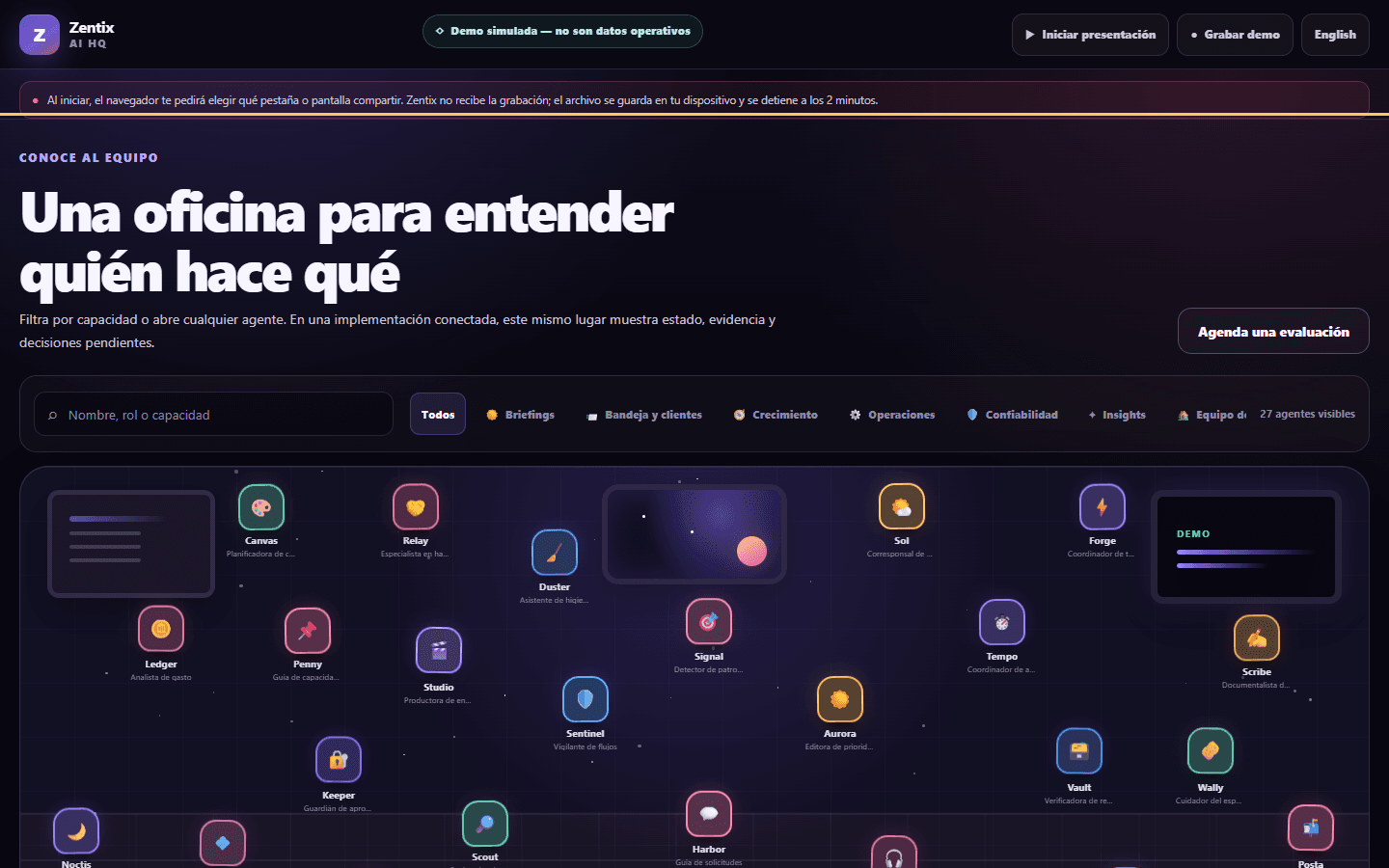
Overview
I reframed the concept, designed the bilingual acquisition and demo journeys, built the TypeScript implementation, and added privacy boundaries and automated checks.
Made the AI-team concept inspectable without presenting simulated activity as live telemetry.
Context
The operating problem behind the interface.
A prospective customer needs to understand a complex agent system before connecting data or tools, but a polished simulation can easily be mistaken for live operational activity.
Contribution
From customer signal to a system that can be used and shipped.
What I owned
I reframed the concept, designed the bilingual acquisition and demo journeys, built the TypeScript implementation, and added privacy boundaries and automated checks.
What moved
- 01
I separated the acquisition, demo, and privacy journeys and kept the simulation label visible throughout the control room.
- 02
I built the sample team, activity, and status interactions, then added input controls, browser-local recording boundaries, and automated QA.
Key decision
Why this decision
I chose a permanent simulation label instead of a one-time disclaimer. The distinction between sample activity and real telemetry should remain clear at the exact moment someone sees a status or event.
What it taught me
This project was a useful reminder that transparency is part of the interface. A caveat hidden in documentation cannot correct a misleading product screen.
Result and current status
Result
The public POC lets someone inspect the concept, switch languages, and explore the simulated control room while the page continuously identifies the experience as a simulation.
Current status
The bilingual static experience is available for inspection. Zentix Office remains a simulated POC, not an operating AI team.
Evidence
Every plate is public-safe, privacy-reviewed, and labeled by evidence type. No customer or account data appears here.
01
I separated the acquisition, demo, and privacy journeys and kept the simulation label visible throughout the control room.
02
I built the sample team, activity, and status interactions, then added input controls, browser-local recording boundaries, and automated QA.
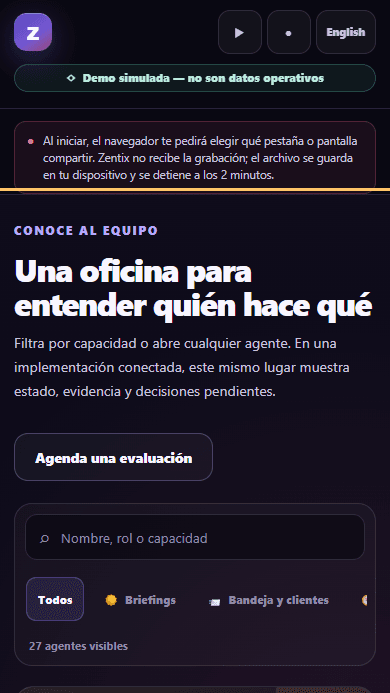
A short tour of the labeled simulation, sample team, activity, and status controls.
Read the visual transcript
The walkthrough opens with the visible simulation notice, moves through the sample AI-team cards and activity, and finishes on the status board. The events and statuses are fictional examples and do not come from a live operation.
Limitations
- 01
The API health route currently returns 503 because its runtime configuration is missing.
- 02
The evaluation form, notification delivery, booking handoff, and operational automation are not presented as working.
- 03
Optional screen recording is user-initiated and stays in the browser; it is not an uploaded session replay.
Technology
- Vite
- TypeScript
- HTML
- CSS
- Vercel Functions
- Playwright
- Lighthouse
Source
Private source
Contact
Hiring and product teams
Need someone who can connect product judgment to delivery?
I am open to product, product operations, sales automation, and AI workflow roles where customer context matters.Discuss an opportunityFounders and operating teams