Selected work
Private source
MiniTiendAI — A simpler path from idea to online store
MiniTiendAI helps a small business create a shareable store or menu, organize products, and turn a cart into a WhatsApp order without setting up a large commerce platform.
Open live productPrivate source
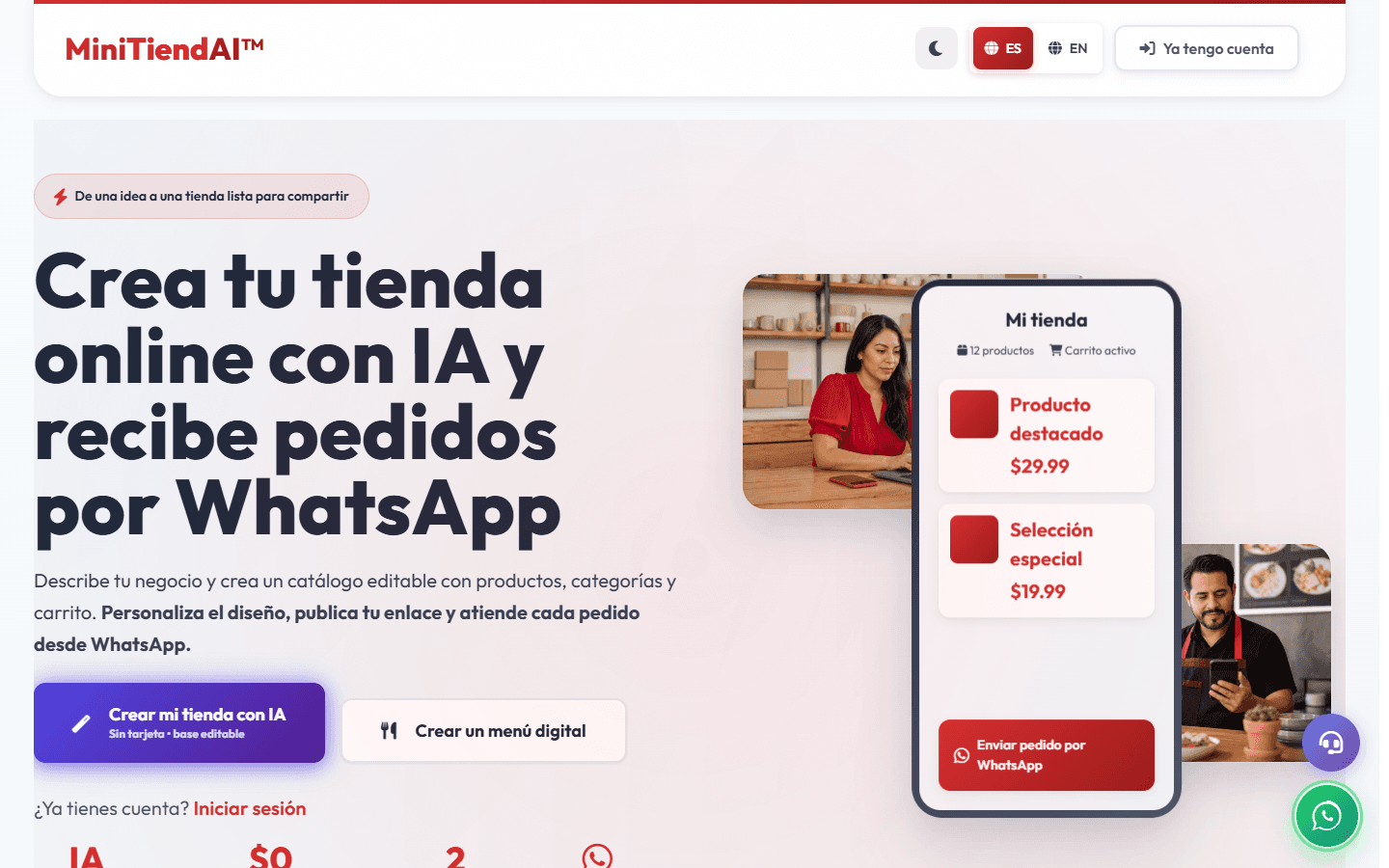
Overview
As Product Development Manager from March 2024 to May 2025, I led the creation journeys, storefront UX, product data, commerce handoffs, QA, and release checks.
Shipped a responsive storefront flow that turns a catalog and cart into a WhatsApp order.
Context
The operating problem behind the interface.
A first-time seller needs to go from a business idea to a useful storefront without learning a complicated dashboard or depending on AI generation for every step.
Contribution
From customer signal to a system that can be used and shipped.
What I owned
As Product Development Manager from March 2024 to May 2025, I led the creation journeys, storefront UX, product data, commerce handoffs, QA, and release checks.
What moved
- 01
I brought AI-assisted, template, manual, and import-based creation into one product journey.
- 02
I designed the storefront themes, catalog, cart, ordering flow, and image fallbacks for desktop and mobile.
- 03
I kept manual editing available when generation was unavailable or produced something the owner did not want.
- 04
I tested authentication, store ownership, saved dashboard state, and the handoff from cart to WhatsApp.
Key decision
Why this decision
I treated AI generation as an accelerator, not a gate. A merchant can still create and edit a useful store when generation is unavailable or the first result is not right.
What it taught me
The most useful automation was the one that shortened setup without taking control away from the owner. That balance shaped both the creation flow and the editing tools.
Result and current status
Result
The live MVP now offers several ways to create a store, lets the owner preview and edit it, and gives shoppers a mobile-friendly path from catalog to WhatsApp.
Current status
MiniTiendAI is a live MVP with private source. The homepage is the primary portfolio image; the restaurant storefront is a separate public demo with synthetic data.
Evidence
Every plate is public-safe, privacy-reviewed, and labeled by evidence type. No customer or account data appears here.
01
I brought AI-assisted, template, manual, and import-based creation into one product journey.
02
I designed the storefront themes, catalog, cart, ordering flow, and image fallbacks for desktop and mobile.
03
I kept manual editing available when generation was unavailable or produced something the owner did not want.
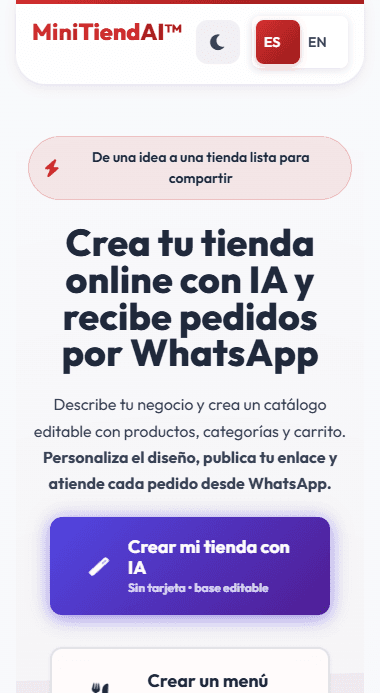
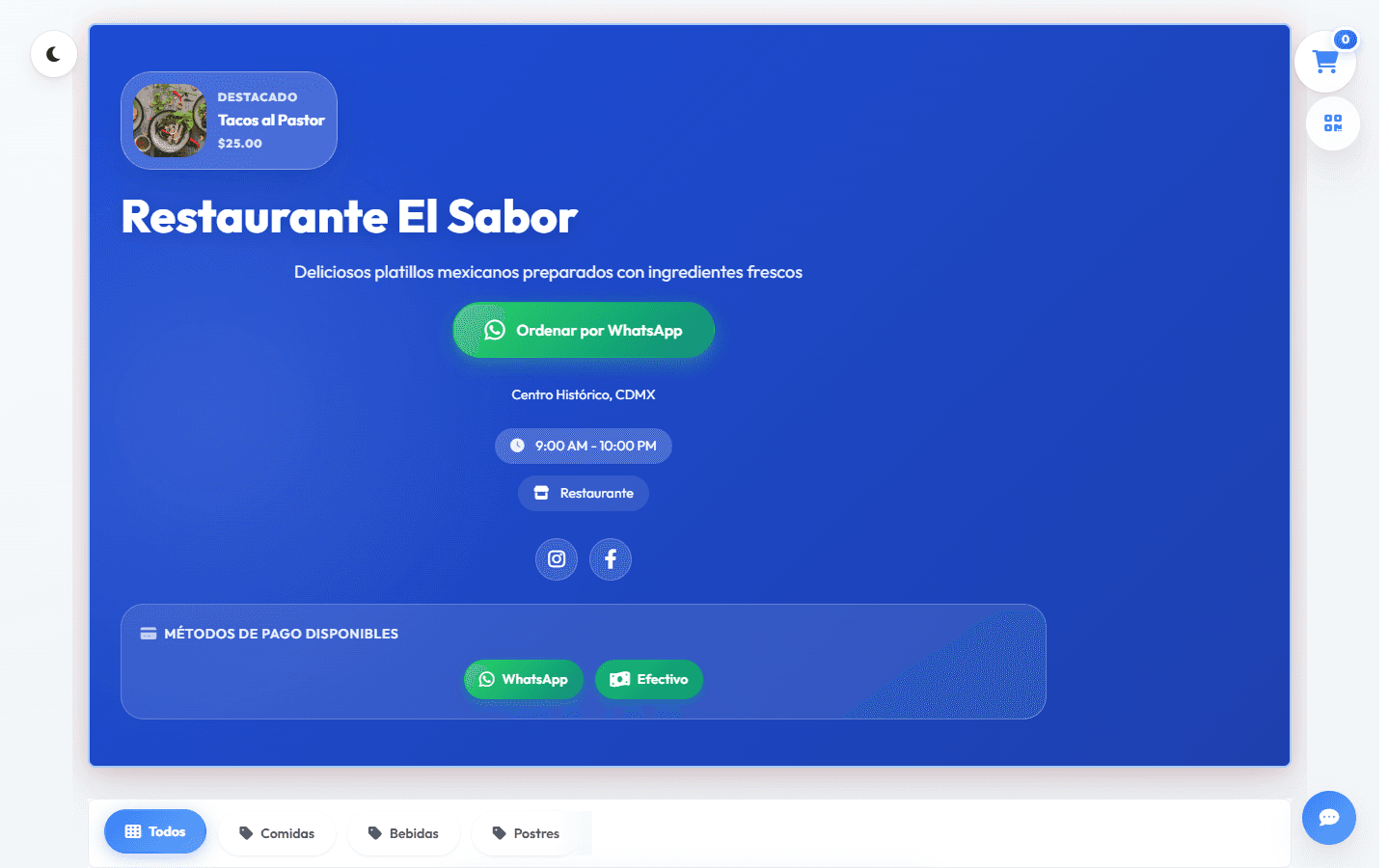
A short path from the MiniTiendAI homepage into a demo store, cart, and WhatsApp handoff.
Read the visual transcript
The walkthrough begins on the MiniTiendAI homepage, opens the public synthetic restaurant store, adds a demo item to the cart, and reaches the WhatsApp order handoff without sending a message. The restaurant, products, prices, and cart are all demo data.
Limitations
- 01
The portfolio does not show owner, admin, or customer account data.
- 02
WhatsApp and provider-hosted payment links are external handoffs; opening a link does not confirm message delivery or payment settlement.
Technology
- HTML
- CSS
- JavaScript
- Firebase Auth
- Firestore
- Storage
- Vercel Functions
Source
Private source
Contact
Hiring and product teams
Need someone who can connect product judgment to delivery?
I am open to product, product operations, sales automation, and AI workflow roles where customer context matters.Discuss an opportunityFounders and operating teams