Selected work
Private source
OrdenAI — Restaurant orders without the channel gaps
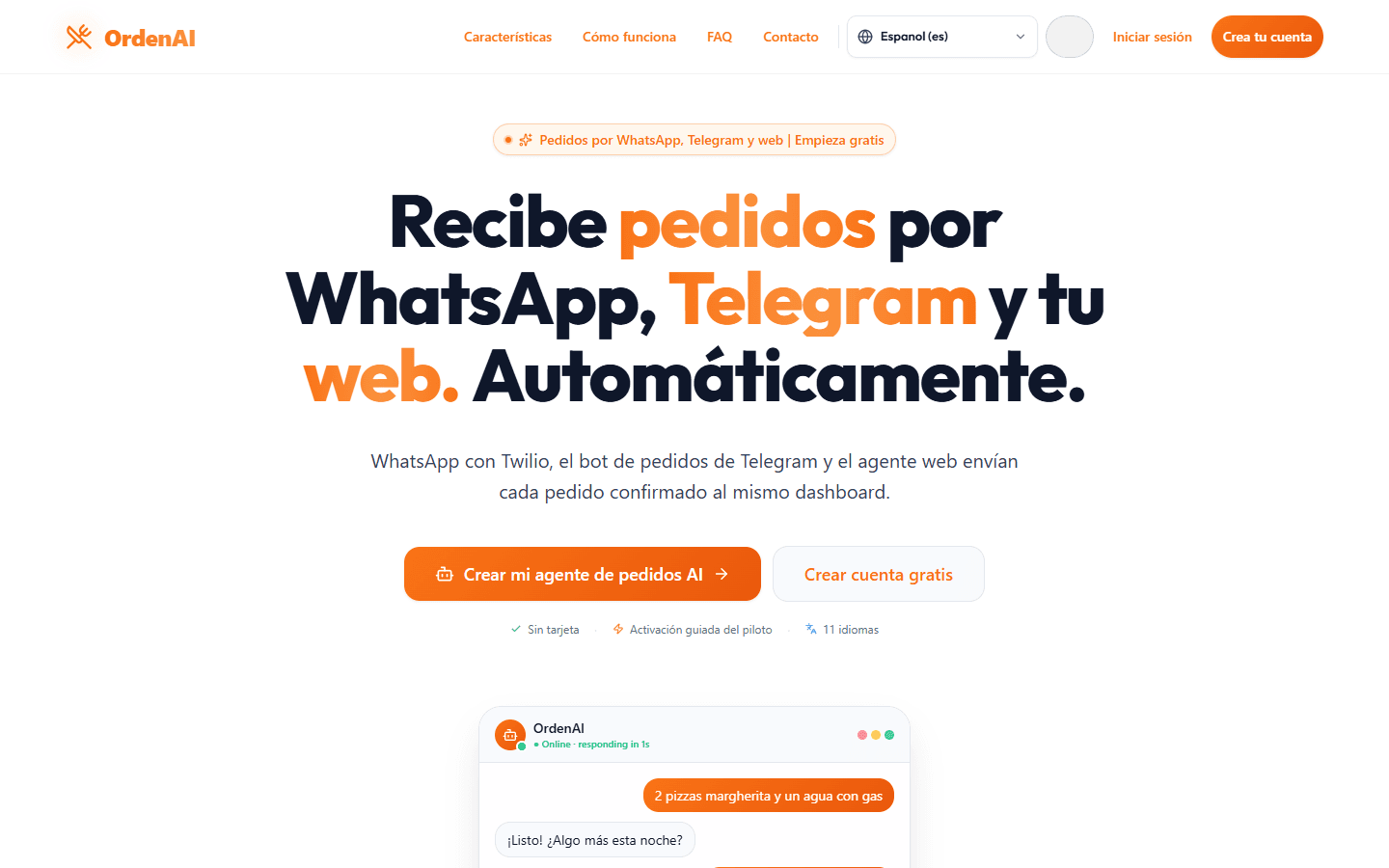
OrdenAI connects orders from web and messaging channels with the restaurant’s kitchen, catalog, inventory, customer records, and daily operations.
Open live productPrivate source
Overview
I designed the product domain, mapped the customer-to-kitchen journey, built the responsive workflows and channel connections, and handled security boundaries, monitoring, and release checks.
Connected customer ordering channels with kitchen, catalog, inventory, and operations views.
Context
The operating problem behind the interface.
An order can arrive through the web, WhatsApp, or Telegram, but the kitchen still needs one reliable version of what was ordered. Separate systems create duplicate work and make status changes hard to trust.
Contribution
From customer signal to a system that can be used and shipped.
What I owned
I designed the product domain, mapped the customer-to-kitchen journey, built the responsive workflows and channel connections, and handled security boundaries, monitoring, and release checks.
What moved
- 01
I defined how organizations, locations, team membership, catalogs, and orders fit together.
- 02
I connected channel intake to a shared order model and the kitchen’s working view.
- 03
I added localization, responsive behavior, release checks, and monitoring around the operational flow.
Key decision
Why this decision
I made order changes repeat-safe and kept an audit trail because messaging providers can retry a webhook. The restaurant should not receive a duplicate order because the network repeated a request.
What it taught me
OrdenAI made the difference between a feature and an operation very concrete: a button is easy; a trustworthy order needs history, ownership, and a safe response when another system retries.
Result and current status
Result
The limited pilot uses one server-controlled order record across the public menu, messaging intake, kitchen status, inventory changes, and customer follow-up.
Current status
OrdenAI is a live, limited pilot with private source. It is not presented as a generally available enterprise platform.
Evidence
Every plate is public-safe, privacy-reviewed, and labeled by evidence type. No customer or account data appears here.
01
I defined how organizations, locations, team membership, catalogs, and orders fit together.
02
I connected channel intake to a shared order model and the kitchen’s working view.
03
I added localization, responsive behavior, release checks, and monitoring around the operational flow.
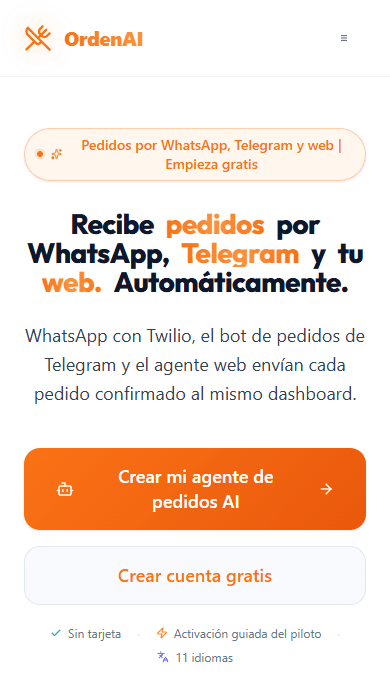
A short path from menu and channel setup to an order and its restaurant operations view.
Read the visual transcript
The walkthrough begins with the OrdenAI menu and channel setup, follows a synthetic order into the shared order flow, and finishes on the restaurant operations view. No customer or restaurant account information is shown.
Limitations
- 01
Native payments, refunds, POS hardware, enterprise SSO, and SCIM are outside the pilot.
- 02
Opening a provider-hosted payment link does not confirm that a payment was completed.
Technology
- React
- TypeScript
- Vite
- Firebase Auth
- Firestore
- Vercel Functions
- Sentry
- Channel webhooks
Source
Private source
Contact
Hiring and product teams
Need someone who can connect product judgment to delivery?
I am open to product, product operations, sales automation, and AI workflow roles where customer context matters.Discuss an opportunityFounders and operating teams