Selected work
Private source
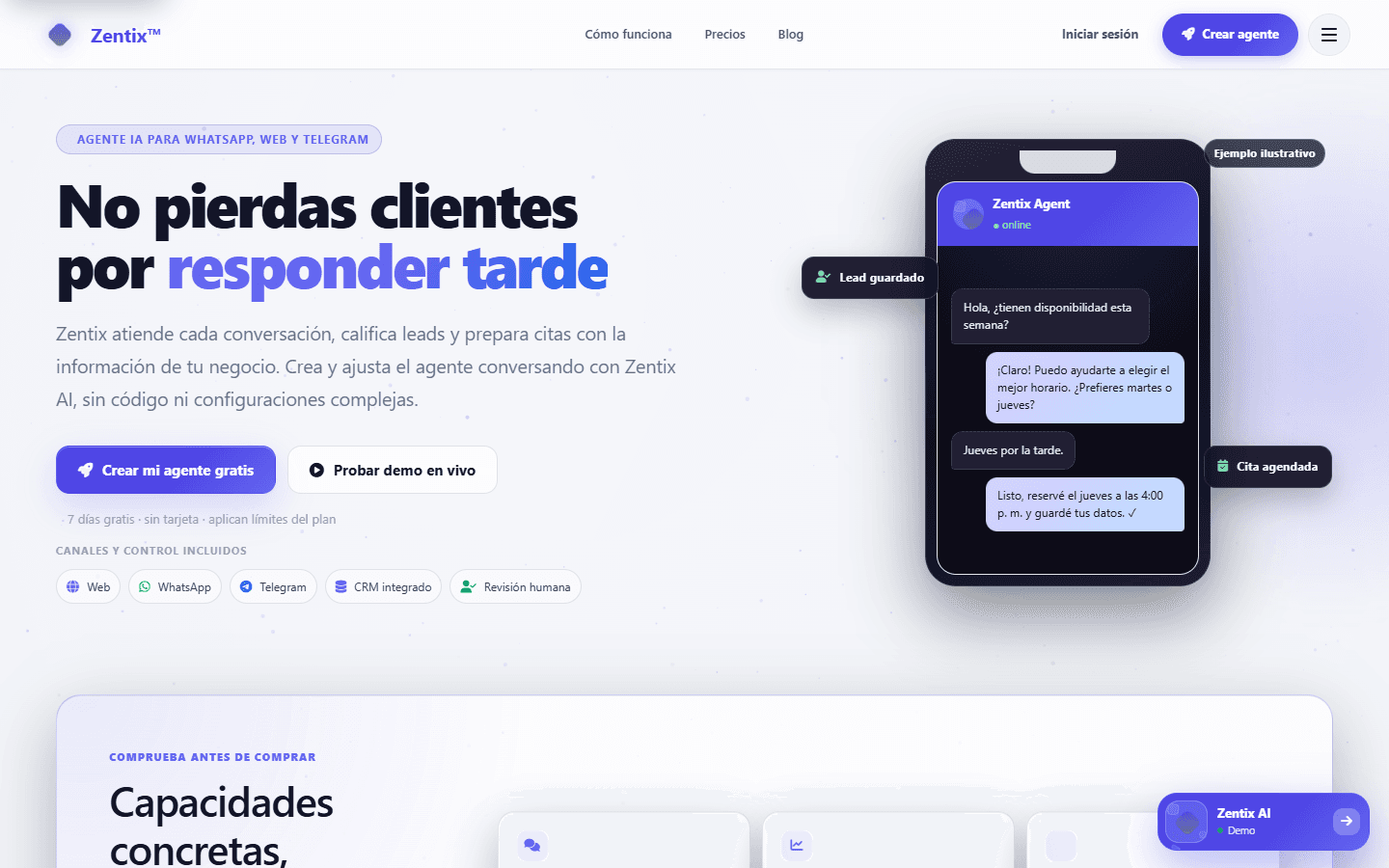
Zentix — AI agents that keep customer context together
Zentix gives small teams one place to handle AI-assisted conversations from the web, WhatsApp, and Telegram, then carry useful context into the CRM or a human handoff.
Open live productPrivate source
Overview
I framed the product, designed the agent setup and CRM journey, built the public widget and channel connections, and handled responsive QA and release checks.
Connected web, WhatsApp, Telegram, CRM context, and human handoff in one product flow.
Context
The operating problem behind the interface.
A customer can start in one channel and continue in another. Without a shared contact record and clear handoff rules, the team loses context and the customer has to repeat the story.
Contribution
From customer signal to a system that can be used and shipped.
What I owned
I framed the product, designed the agent setup and CRM journey, built the public widget and channel connections, and handled responsive QA and release checks.
What moved
- 01
I designed a setup flow for business context, FAQs, channel connections, and response boundaries.
- 02
I connected conversations with contacts, leads, deals, appointments, quotes, and notifications.
- 03
I tested the widget, webhooks, authentication boundaries, and responsive dashboard behavior as one journey.
Key decision
Why this decision
I kept public checks read-only and separated them from authenticated, account-bound actions. A public widget should never be able to trigger private CRM work without the right identity and context.
What it taught me
The hardest part was not adding another channel; it was deciding which context must follow the customer. That became the organizing principle for the product.
Result and current status
Result
The live product now presents agent setup, multichannel conversations, CRM follow-up, and human handoff as parts of the same customer journey rather than separate tools.
Current status
Zentix is a live B2B SaaS product. The portfolio links to the product, while the repository and account areas remain private.
Evidence
Every plate is public-safe, privacy-reviewed, and labeled by evidence type. No customer or account data appears here.
01
I designed a setup flow for business context, FAQs, channel connections, and response boundaries.
02
I connected conversations with contacts, leads, deals, appointments, quotes, and notifications.
03
I tested the widget, webhooks, authentication boundaries, and responsive dashboard behavior as one journey.
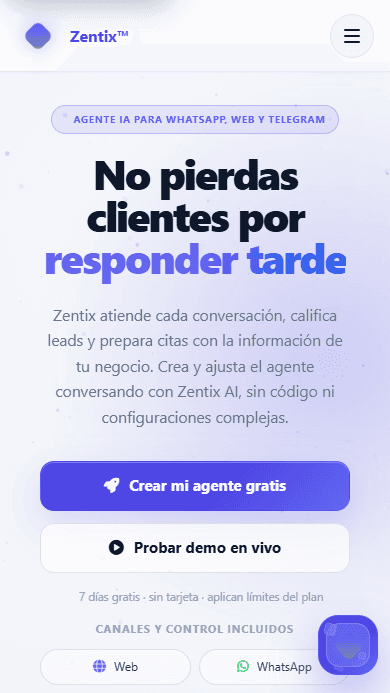
A short walkthrough from agent setup to channel connections and CRM follow-up.
Read the visual transcript
The walkthrough opens with the Zentix agent setup, moves through the available web and messaging channels, and finishes on the CRM and human-handoff parts of the customer journey. All visible information is public example content.
Limitations
- 01
The screenshots use public example content and do not show customer accounts, admin tools, or private conversations.
- 02
A portfolio walkthrough can show the journey, but it does not prove delivery by an external messaging or AI provider.
Technology
- HTML
- CSS
- JavaScript
- Vercel Functions
- Firebase Auth
- Firestore
- AI provider APIs
- Webhooks
Source
Private source
Contact
Hiring and product teams
Need someone who can connect product judgment to delivery?
I am open to product, product operations, sales automation, and AI workflow roles where customer context matters.Discuss an opportunityFounders and operating teams